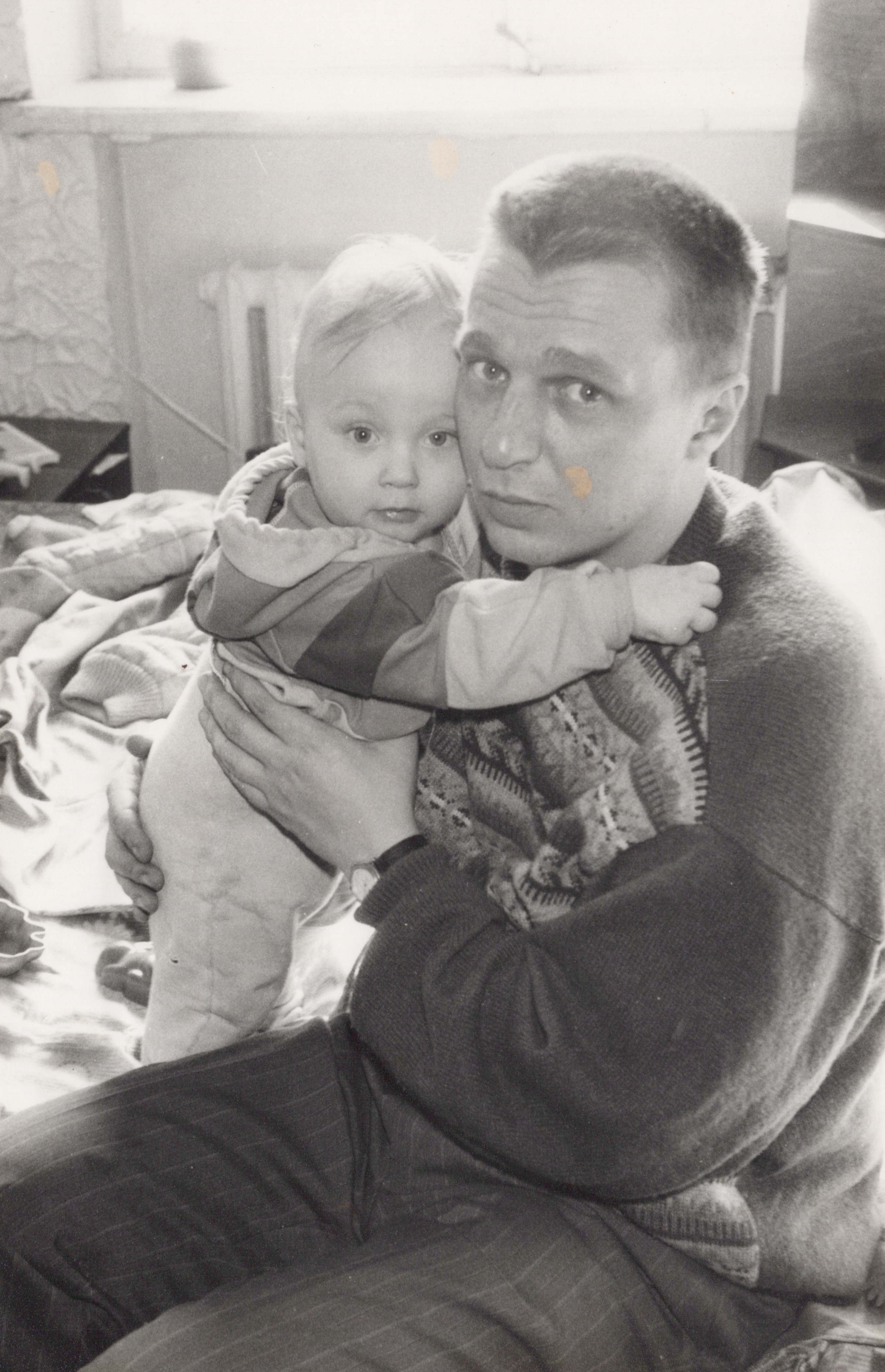
Potterising old family photos
and a boy in my dormitory said if I develop the film in the right potion, the pictures’ll move.
- Colin Creevey, Harry Potter and the Chamber of Secrets, Chapter 6.
In the Harry Potter universe, magical photographs display a limited degree of animation. This is not to be confused with the magical portrait paintings, which especially in the later film adaptations borderline on sentience and have their own inherent logic. During Christmas, I tried to re-create this effect for some family photographs, using various newer and older models, below are some things I learned along the way.

Harry’s family photo, as shown in Harry Potter and the Deathly Hallows - Part 1 (2010)
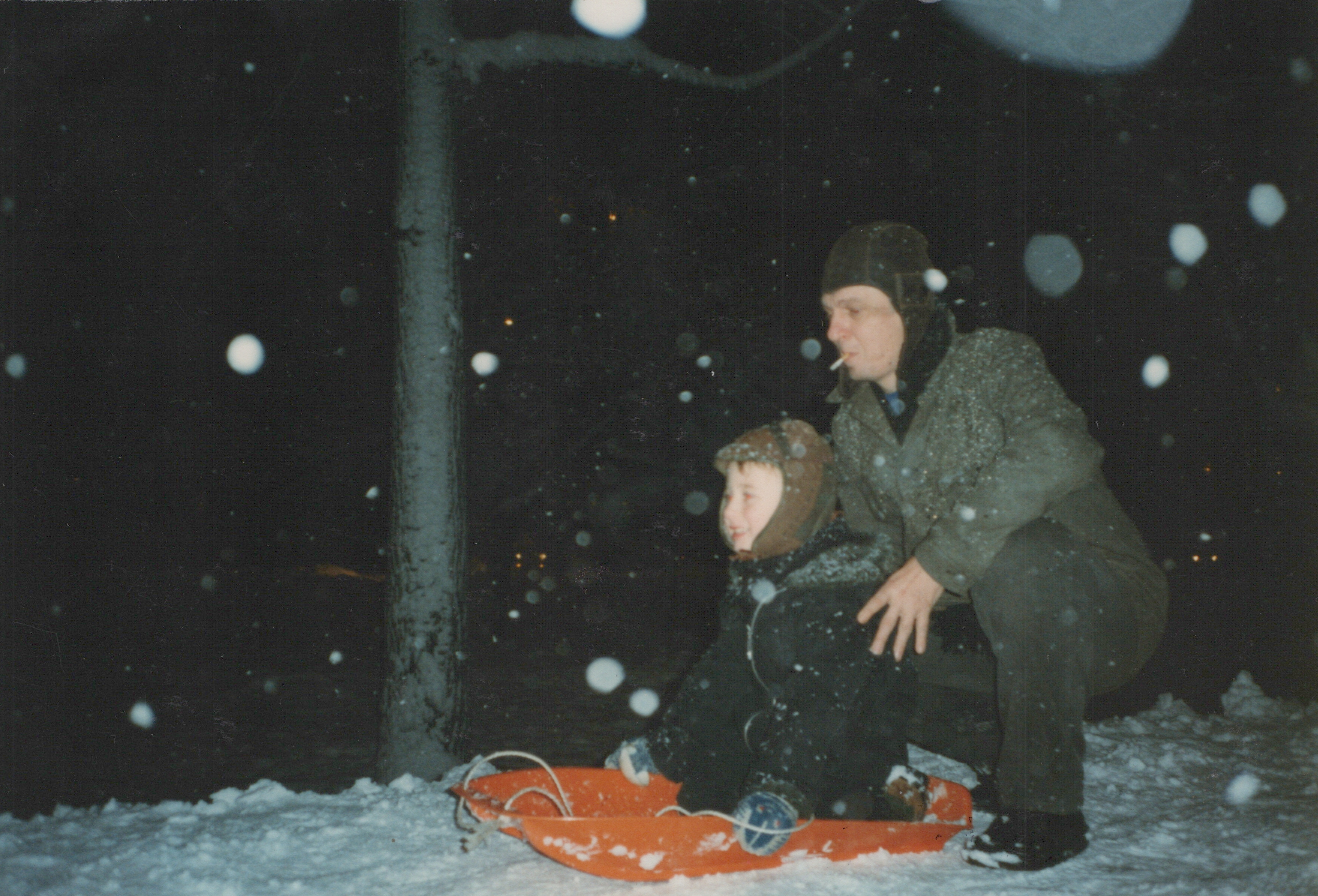
An example of my end result
In the end, I displayed the animated photos (simple 5-second 1080p .mp4 files compressed with x264) in a 11’’ Pexar digital 2K frame, this made for a great Christmas gift! The cost per clip (assuming zero shot success) given my chosen pipeline was: \$0.00 (xinntao/Real-ESRGAN on Colab) + \$0.01 (arielreplicate/deoldify_image on Replicate) + \$0.35 (kwaivgi/kling-v2.5-turbo-pro on Replicate) = \$0.36
Restoration
Depending on the source material quality, photo restoration might be necessary. There are various approaches for doing this, for example more “old-school” models such as GAN autoencoders. Here I show the result of applying multiple sequential models: ESRGAN for photo restoration, GFPGAN for face restoration, Palette.fm for colorization. As can be shown below, the biggest wow effect comes from applying GFPGAN to the face region.
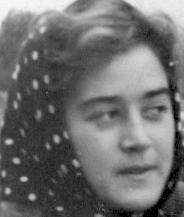
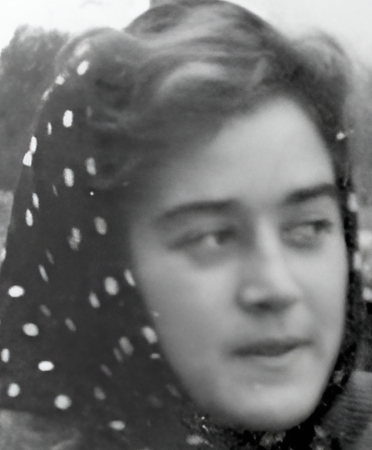
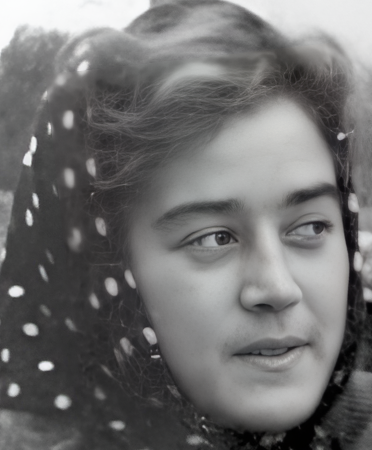
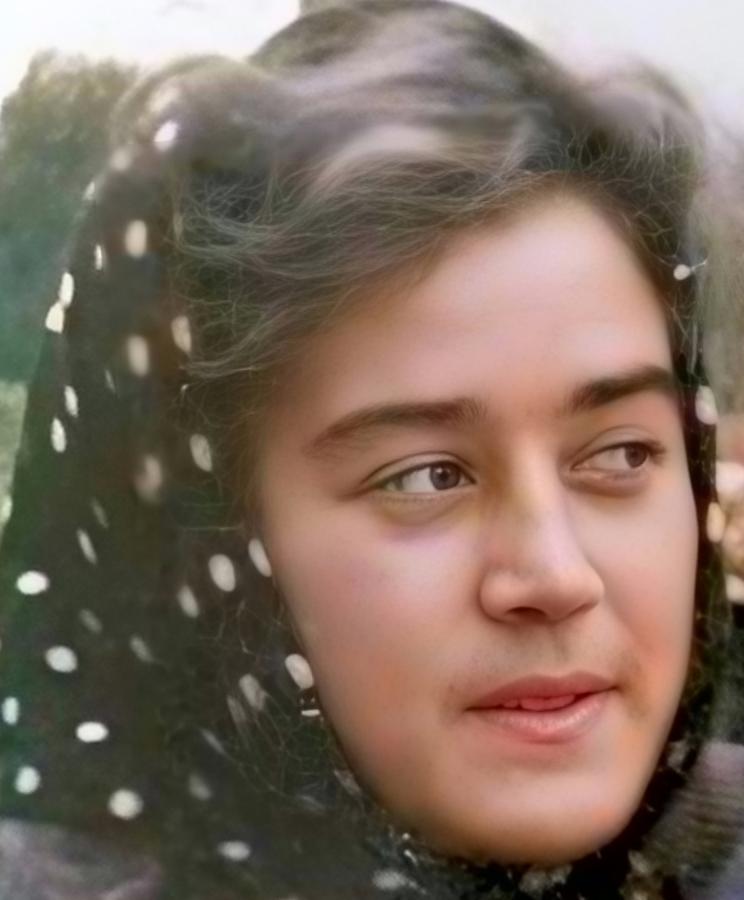
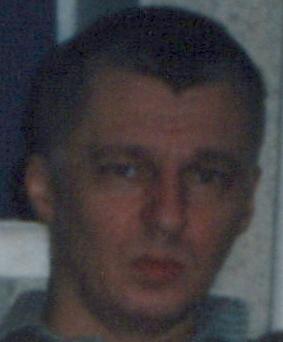
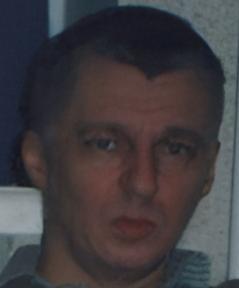
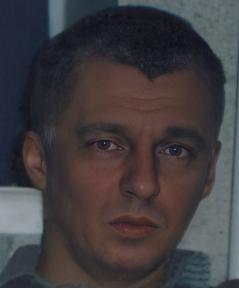
Surprisingly, colorization turns out to be a near AI-complete task. Using close to state of the art research models, such as DDColor from ICCV 2023 results in some fairly hilarious failure cases:
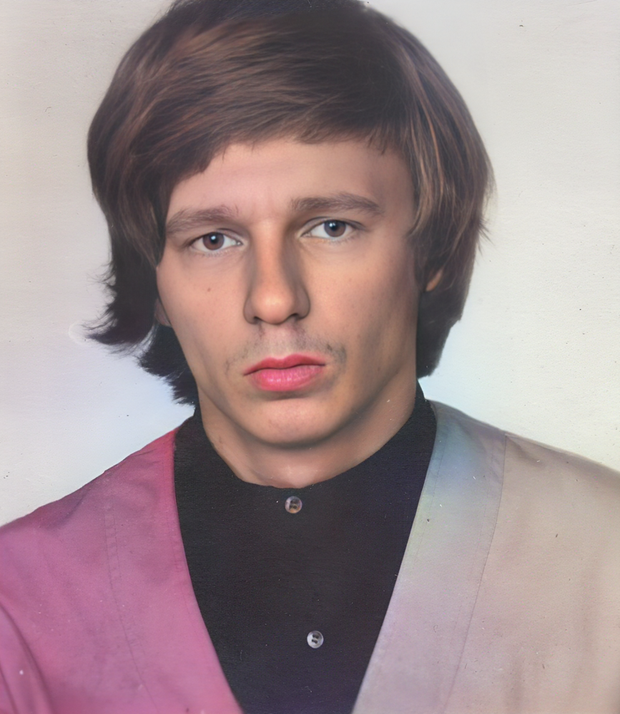
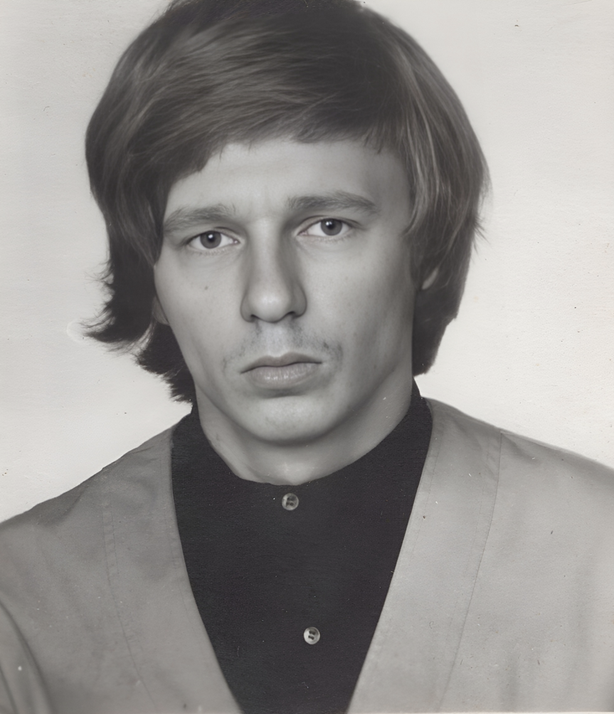
It seems that the model has poor global context, so it’s able to respect the edges and not bleed colors, but seems to misgender the subject and uses a strange palette choice.
Another common failure case is that when given a degraded old-timey photo, the model seems to be smart enough to restore it using sepia / heavy tinted near monochrome colors. This is what we’d expect from an autoencoder trained on synthetic data (inputs converted from sepia to BW), but it’s hardly conducive to our effort to bring old photos back to life.
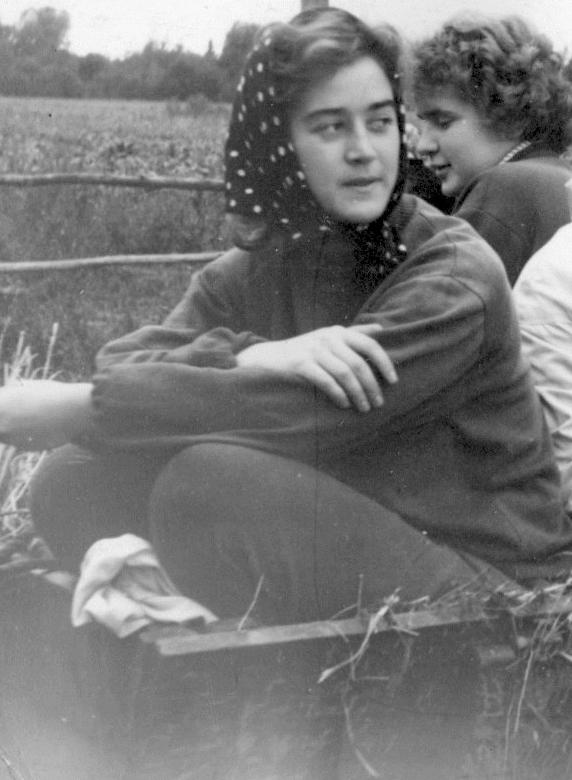
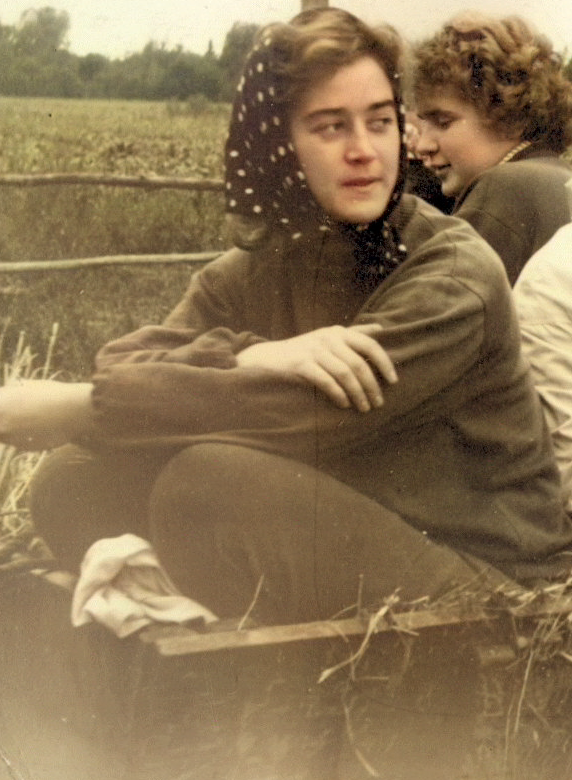
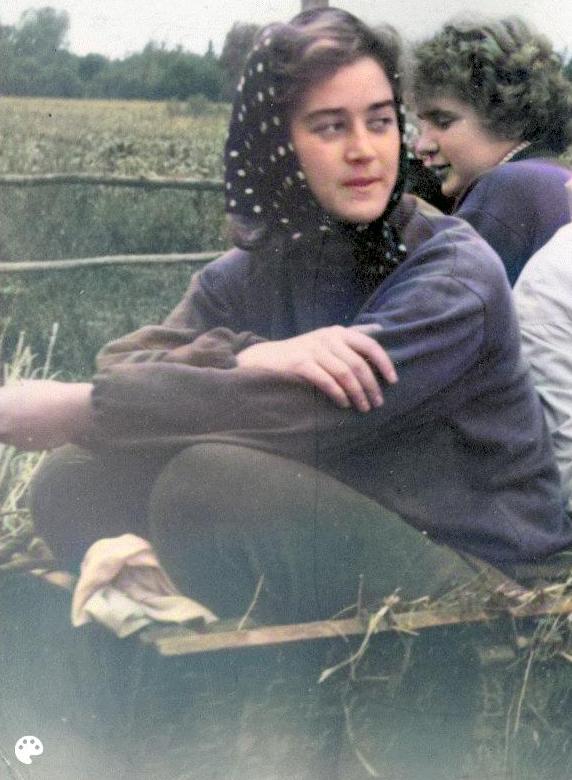
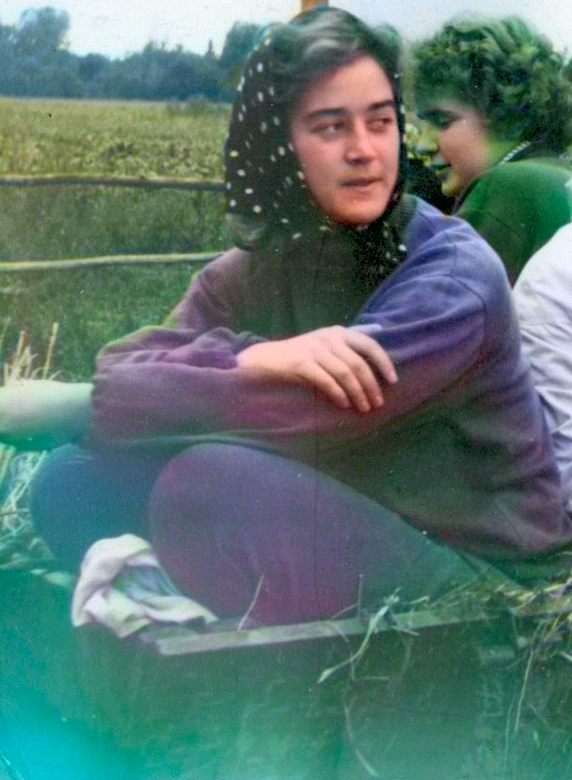
The output from similar models such as DeOldify and BigColor is not too vibrant either, but DeOldify often gave the best result for me. Another issue is that colorization models usually return a single output. However, palette is an artistic choice (after all, there is a one to many mapping between true BW -> colors, not to mention aesthetic preferences). A paid service, Palette.fm had a good degree of customisability, similar to Instagram filters. However, their pricing was very steep: \$49 for 75 photos, while running the same for DeOldify on Replicate would be < \$0.75. If you can justify a recurring subscription (documentary filmmakers?), it is a good choice.
Just use AI?
These days you can obviously also use a powerful image editing model such as Gemini 3.0 Pro Image. Historically, generative image models were poor for this task due to making notable changes to the image in every pass. This has gotten much better. For example, our task is quite similar to the Constanza test in GenAI Image Editing Showdown. It’s visible that multiple models succeed in the benchmark. I found that this does not necessarily guarantee identity-preserving behaviour for all faces in the image. Since we’ll be using video diffusion down the line anyway, I preferred to stay as close to source material as possible, erring on the side of sometimes having worse restoration. It’s also nice to always have pixel-aligned transformations. But it looks like Gemini could be a good starting point for stronger restoration like when there’s physical damage to the photo paper (wrinkles etc). It’s also a qualitative step in UX simplification (just prompt something like “Denoise, enhance face quality and add colors to this image.”), so I expect this direction to win over bespoke models in restoration rather soon.
| Model | Architecture | Task | Cost (per image) | Notes |
|---|---|---|---|---|
| Real-ESRGAN | GAN + synthetic data | Photo restoration | Free | Acts as a light denoiser, without blurring the image too much. I ran ESRGAN and GFPGAN in a Colab notebook, but even on replicate, these models should be very cheap (<\$0.01). It was interesting that among the x2 and x4 models, quality seemed notably better for the former, and I managed to run this one only from Colab. |
| GFPGAN | pretrained GAN prior + ROI losses | Face restoration | Free | Given a face crop, significantly enhances the quality using a generative model (GAN). While generative fallbacks remain - the model can change teeth, eye color or some other nuances, it retains pixel alignment and it’s good to know that if funkiness does happen, it is limited to the face area (easy for a human to double check, compared to background). |
| DDColor | ConvNeXt + color attention + fusion | Colorisation | <\$0.01 | Seemed great based on research benchmarks, I found it underwhelming. |
| DeOldify | CNN | Colorisation | <\$0.01 | Out of the classic colorizers, this usually worked the best. |
| BigColor | GAN prior | Colorisation | <\$0.01 | As the name suggests, the colors are “big” but this looks awful for degraded old images. |
| Palette.fm | ? | Colorisation | \$0.65 | Good Instagram filter like coloriser without generative effects, expensive. |
| flux-kontext-apps/restore-image | ? | Photo restoration | <\$0.04 | Tested this as a joint restorer (background, face and colors). Without looking too much under the hood, the model looked very generative, it was capable of drawing grass instead of sand, or drawing mustaches on women. I would probably prefer Gemini over this for generative restoration. |
| Gemini 3.0 Pro Image | ? | Photo restoration | Free* | Very impressive performance for local image editing, but I haven’t done meaningful large scale tests to gauge the worst case behaviour. |
| gpt-image-1.5 | ? | Photo restoration | Free* | It’s better than previous versions of GPT, but edits often still change the input too much. For example, a closed smile might turn into an open one. |
| Sora | ?** | Image to video (I2V) | Free | Great quality, but feels more of a research project than a product - frequently outputs unrealistic video or introduces weird scene changes into the video (why would I want scene changes in an I2V task?). |
| google/veo-3.1 | ?** | I2V | $1.20 | Awesome quality of generation, but at least by default it generates too liberally from the reference photo. Possibly this can be improved with prompting or configuration, I didn’t test too much since the model is expensive. |
| kwaivgi/kling-v2.5-turbo-pro | ?** | I2V | \$0.35 | This model was both relatively cheap, but also gave great identity-preserving performance. It’s possible that this is not due to any inherent advantage, but for example a default bias from how training data motion is selected. It’s also possible that better prompting would level the playing field with Veo. |
* I have a ChatGPT Plus subscription and was using the free tier of Gemini, and haven’t estimated the realistic marginal cost of these models.
** To understand, how modern video diffusion models probably all work, the Wan whitepaper is useful.
Animation
There’s a wide variety of models available today for the image to video (I2V) task. Off the top of my head, there’s Sora, WAN, Kling by Kuaishou, Luma, Runway, Vidu by Shengshu AI, Hailuo Video, Pika, Movie Gen and Veo by Google… This list has definitely expanded in the month since my experiment. In addition, I was surprised to learn that there are now multiple apps on Play Store providing this service - e.g. PixVerse and DreamFace - and some of these offer their own models, rather than just a wrapper around Veo. Has video diffusion already become a commodity? Two observations hint otherwise:
- The pricing is still a bit steep - for example the cheapest was \$0.35 per 5 seconds of video for
kwaivgi/kling-v2.5-turbo-prothat I mostly used. Veo charges \$1.20 per 5 seconds of 1080p, and the mobile apps charge at least that and possibly an extra for a premium subscription. - On closer inspection, these models are sometimes closer to the LivePortrait architecture rather than full video diffusion. This means they work fine for facial landmark animation, but not other types of motion. I suspect this is due to optimising for social media users, who are the main consumers of I2V on mobile devices. I also tried LivePortrait for my photos, but the pure face animation becomes boring rather quick.
Interesting motion generated by Sora
Great motion quality, but unfortunately that’s not me :(
Generative video models are perhaps even more difficult to evaluate than LLMs, so as everyone, I mostly vibe checked the results when comparing models. Here are some observations:
- Video evaluation is a notably multidimensional task. One model might generate the most realistic outputs, but have a specific unpleasing color tint for each video, so overall raters might actually prefer the alternative. For my task, I don’t care about mean opinion score (MOS) per se, but subject consistency is paramount.
- While I originally picked Kling based on vibe checks, I later found two benchmarks where it does win in subject consistency.
- Sora, the honorary first entry in the line of video diffusion models, still has quite good quality - and you can use it for free - but the sample efficiency is not great, perhaps 1 out of 4 generations is usable. Annoyingly, it refuses to touch any photo including children, which makes it useless for my task.
- Re-prompting has been an effective technique since DALL-E 3. Intuitively, to achieve good granular prompt adherence, the training data (and inference data) needs to have detailed prompts. Both web-scale captions and user queries tend to be too sparse to be useful, so often there’s an auxiliary model mapping your prompt to a more complex one that the model sees. I had an hypothesis that this might introduce some divergence between the corrected prompt and my image, and that giving a detailed prompt as input would change it less in the re-prompting step. So I got proposed captions from Sora, which generously provides them for free.
- I added this to the prompt just in case:
subtle natural motion within the scene, people move slightly, small head movements, blinking, minor body motion, camera fixed, no camera movement - The video diffusion models are smart enough to understand when the content is “old-timey”, and they often apply a Ken Burns like zoom and pan effect to the video, without any real motion. While this has been considered a good way of pseudo-animation, it looks a bit boring to me in 2026 (at least when not in a historical documentary context), so I used the following negative prompt with Kling:
documentary style, ken burns effect, slow zoom, zoom in, zoom out, pan, tilt, dolly, push in, pull out, camera movement, camera motion, cinematic zoom, photo slideshow, still photo animation, parallax effect, depth zoom, museum documentary, archival footage
 Kling achieves best performance in Object Accuracy on Wan-Bench 2.0
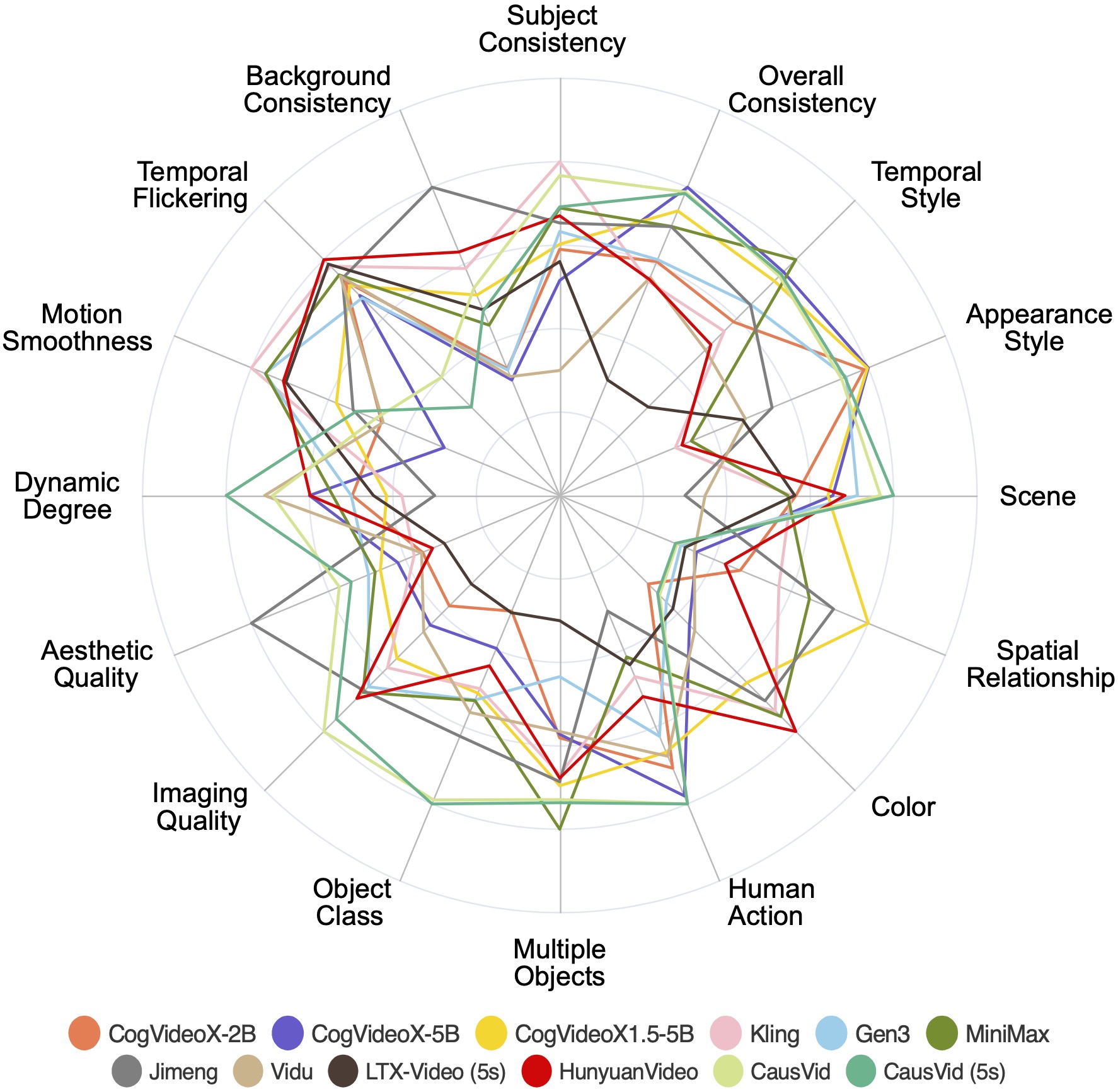 Kling achieves best performance in Subject Consistency on VBench
Conclusion
Finally, after much trial-and-error, I was able to create a pipeline with good sample efficiency, meaning that most generated videos looked good, and I could run it for all of my 100+ images, including degraded black and white ones. I think the below image highlights well the current state of AI generation: while at first glance and for casual viewers, the colorisation and animation generate notable emotional depth, creating an “awww” moment, at a closer look you see that the child sprouts an extra finger! Nonetheless, making your grandmother cry from happiness is definitely already technically achievable.